月: 2016年12月

  • PyEhimeもくもく勉強会

    PyEhimeもくもく勉強会

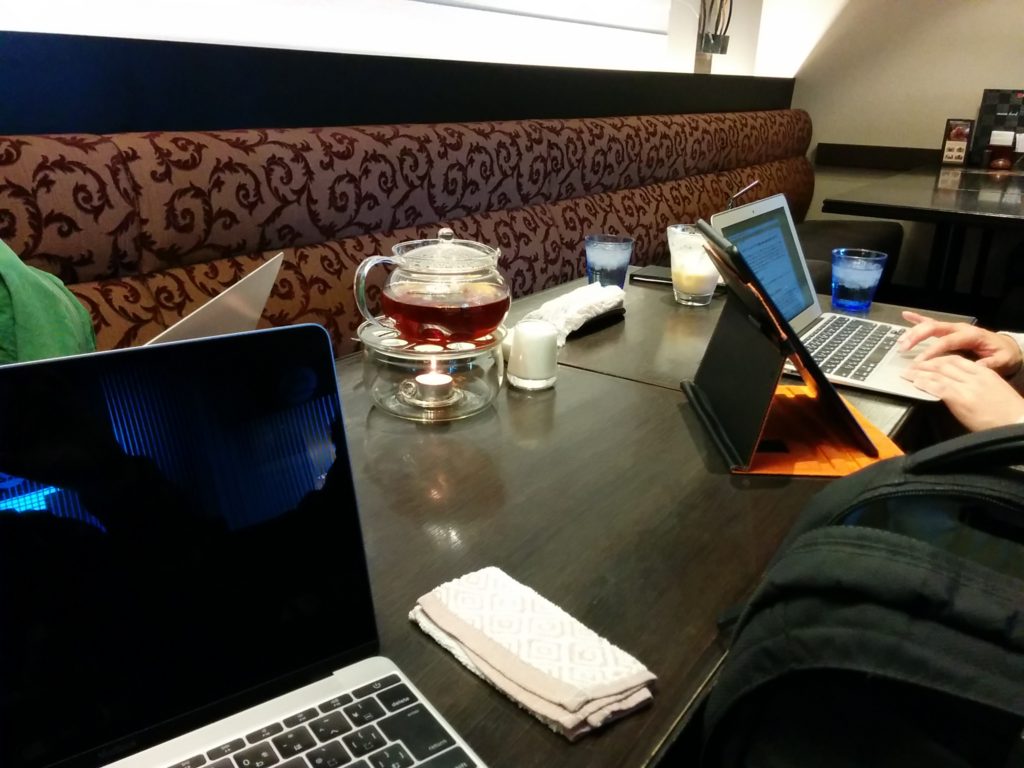
    前回の開催から少し間が空きましたが、2回目のもくもく勉強会を開催しました。

    PyEhime もくもく勉強会

    都合により、今回も急遽の開催となってしまいました。十分な告知ができずすみません。
    次回は、会場の手配を含めてもう少し余裕を持って準備しようと思いますので、ご理解・ご協力をお願いします。

    前回はPyEhimeの初めての自主開催ということもあって、とりあえず集まっての意見交換程度でしたが、今回は少し足並みを揃えて、cloud9でdjangoを動かしてみるというところまではできました。
    ちなみに、私は今回の勉強会のために、事前にvagrantでローカルの開発環境を用意して、準備万端のつもりだったのですが、現地で起動してみるとホストOSからアクセスできない状態。あとで調べて、CentOS(vagrant box)のネットワークインターフェースの問題ということがわかりました。この辺りも、まだまだ経験不足です。
    それと、当日、私が風邪気味で頭がぼんやりしていてあまり手を動かすことができませんでした。いろいろ失礼しました。

    さて、このような感じで、cloud9というクラウド上の開発環境を一つのノウハウとして共有することができましたので、このあたりをベースにして勉強会を継続できればと思っています。
    ただし、具体的な目的や目標がないと、どうしても時間を無駄にしてしまいますので、何か一冊、本を選ぶなどして効率よく学ぶことも考えてみます。
    まだまだぎこちないですが、まったりとやっていますので、pythonプログラミングにご興味のある方はお気軽にご参加ください。
    適宜、ハッシュタグ #pyehime でおしらせします。

    それとPyCon JP参加者交流用のSlackがあります。そちらのehimeチャネルで日常のやり取りをしていますので、よかったらどうぞ。

  • vagrant環境のアップデート ( 1.8.6 -> 1.9.1 )

    vagrant 自体をアップデート(1.8.6 -> 1.9.1)して、vagrant up したらエラーになったのでメモ書き。

    基本的には、vagrantの新しいバージョンをダウンロードして上書きでインストールすれば良さそう。
    https://www.vagrantup.com/docs/installation/upgrading.html

    で、アップデートして起動した際のエラーメッセージ。

    Vagrant failed to initialize at a very early stage:

    The plugins failed to initialize correctly. This may be due to manual modifications made within the Vagrant home directory. Vagrant can attempt to automatically correct this issue by running:

    vagrant plugin repair

    If Vagrant was recently updated, this error may be due to incompatible versions of dependencies. To fix this problem please remove and re-install all plugins. Vagrant can attempt to do this automatically by running:

    vagrant plugin expunge –reinstall

    Error message given during initialization: Unable to resolve dependency: user requested ‘vagrant-vbguest (> 0)’

    ということで、メッセージに従って、
    vagrant plugin repair
    を実行すると、

    Repairing currently installed plugins. This may take a few minutes…
    Fetching: micromachine-2.0.0.gem (100%)
    Fetching: vagrant-hostsupdater-1.0.2.gem (100%)
    Fetching: vagrant-vbguest-0.13.0.gem (100%)
    Installed plugins successfully repaired!

    修復できた模様。
    vagrant up でゲストOSが起動できました。

  • Django on vagrant の環境構築の補足 – Python3

    pyvenv の pip を更新(9.0.1)して、
    $ pip list
    とすると、

    DEPRECATION: The default format will switch to columns in the future. You can use –format=(legacy|columns) (or define a format=(legacy|columns) in your pip.conf under the [list] section) to disable this warning.

    という警告が表示されたので、
    https://pip.pypa.io/en/stable/user_guide/#configuration
    こちらを参考に、
    (pyvenv)/pip.conf
    を作成。

    [list]
    format=columns

    次に、開発用の簡易Webサーバを起動して、ブラウザで開くと、

    DisallowedHost at / …

    のような警告が表示されたので、
    https://docs.djangoproject.com/en/1.10/topics/settings/
    こちらを参考に、
    (project)/settings.pyを編集して、

    ALLOWED_HOSTS = [ '192.168.33.xx' ]

    を追加。

    追記(2016/12/12)
    モデル定義を編集してmigrateしたところでWARINGSが表示された。

    WARNINGS:
    ?: (mysql.W002) MySQL Strict Mode is not set for database connection ‘default’
    HINT: MySQL’s Strict Mode fixes many data integrity problems in MySQL, such as data truncation upon insertion, by escalating warnings into errors. It is strongly recommended you activate it. See: https://docs.djangoproject.com/en/1.10/ref/databases/#mysql-sql-mode

    https://docs.djangoproject.com/en/1.10/ref/databases/#mysql-sql-mode
    http://django-mysql.readthedocs.io/en/latest/checks.html#django-mysql-w001-strict-mode
    このあたりを読んで、settings.pyのDATABASESにオプションを追加。

    'OPTIONS': {
        'init_command': "SET sql_mode='STRICT_TRANS_TABLES'",
    },